 Scanro
Scan a code. Get it done.
Read the menu, fill in forms, book, contact the business. You approve before anything is sent, and it is done only when there is proof.
The app is coming to the stores soon.
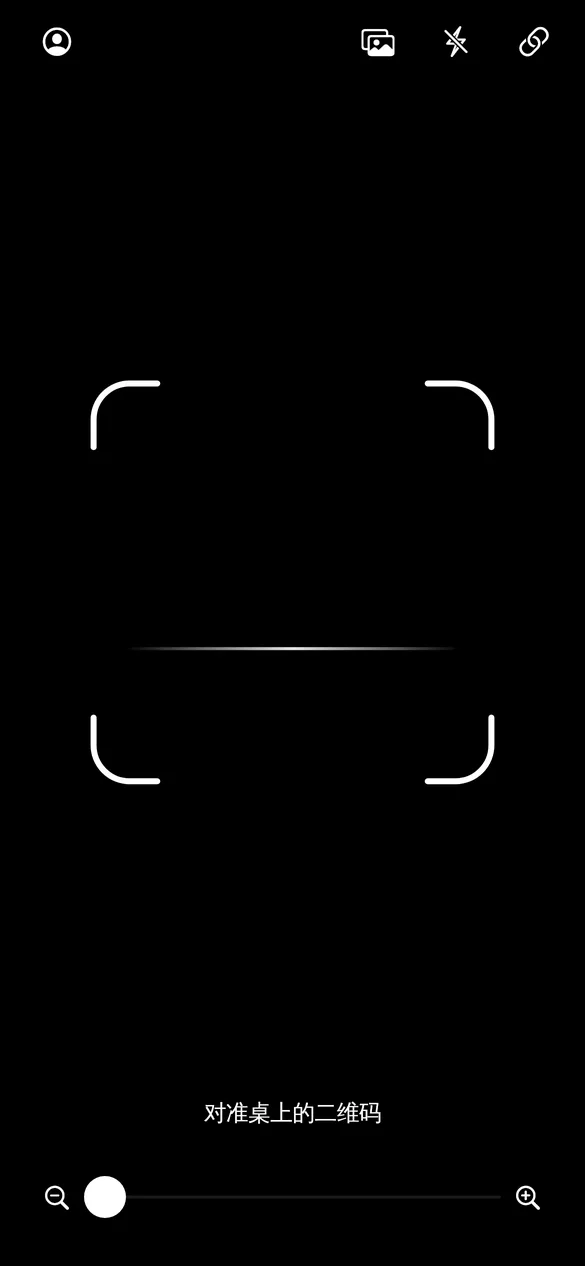
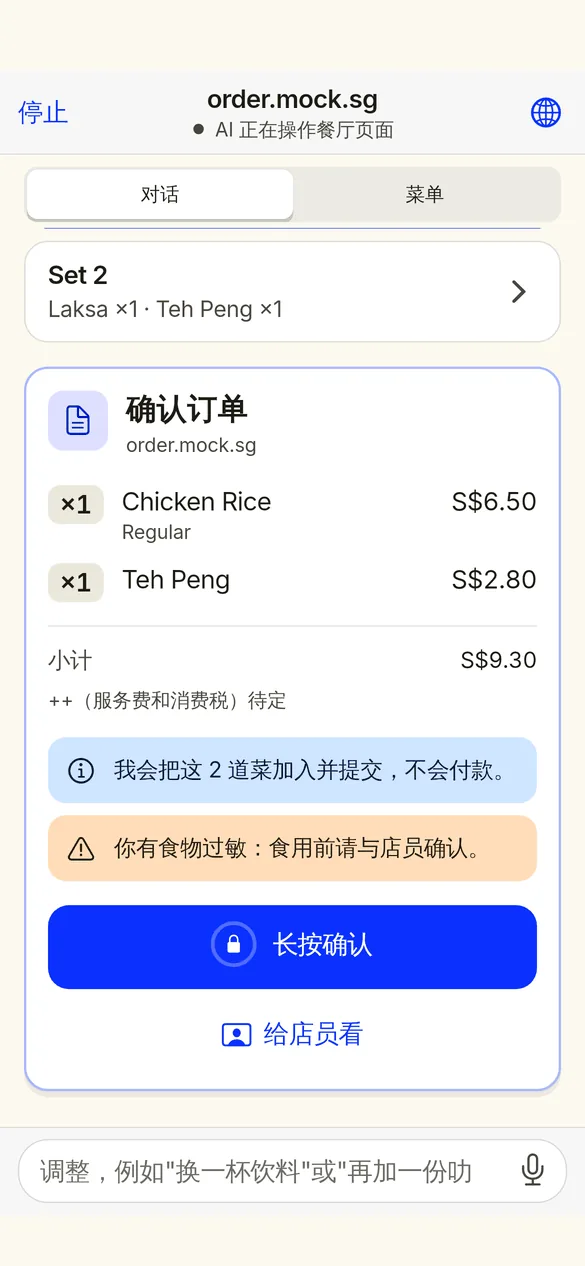
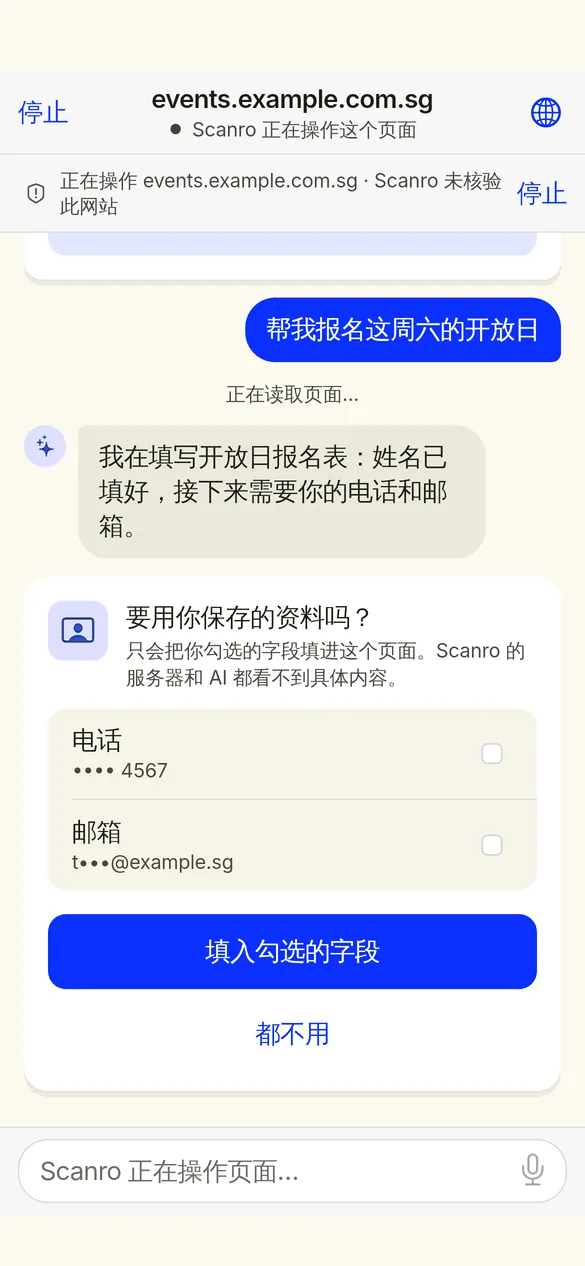
Scan once. It takes it from there.
It first works out what the code in front of you is for, suggests what you usually choose, and once you agree it gets the task done in that same page.
Reads the menu, recommends for you
Even photo menus. Recommendations follow your taste and party size; dietary needs are filtered on your phone.
Forms, bookings, merchant chat
Bookings, sign-ups, messages and live chat; your details are filled in on your phone only.
Take over any time
It is the same page: open it, tap yourself, hand it back to the AI.
Done means proven
It reads back the confirmation or order number; if the outcome is unclear it tells you, and never resubmits on its own.
Scan, confirm, done
Scan
Table codes, posters, products, forms: scan anything.
See the plan
One line on what it is, your usual choices prefilled, 2 to 4 options to change.
You confirm, it acts
Every field is listed before submitting; payment only goes through the system wallet.
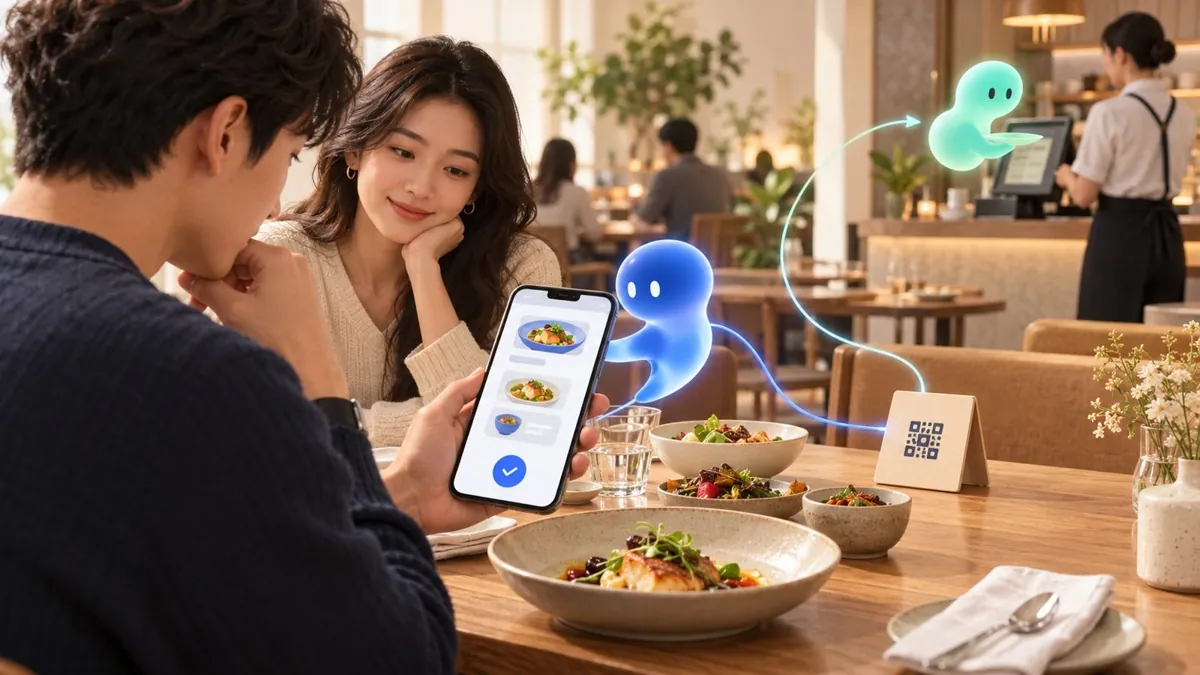
Every confirmation means one less question next time
Understanding the scan, recommending, your choices and edits, and long-term memory form one loop.
- It learns only from results you confirmed, and a habit needs the same choice at least twice
- A prefilled value you remove is remembered, and "never again" deletes it for good
- Memory saves you words; it never decides for you
Your things stay yours
Diet and health stay on your phone
Allergy, diet, health and companion details are filtered on your phone and never sent to any model.
Payment only via the system wallet
Apple Pay or Google Pay, confirmed by you; card numbers, passwords and codes never reach the AI.
You decide what it remembers
See everything under "What Scanro remembers", delete one item or a whole kind, switch learning off any time.
AI QR codes: one code that brings your agent
Build an agent that knows your business (knowledge, skills) and bind it to a QR code. Scanned with Scanro, your agent joins the conversation; scanned with any other camera, it opens your page as before.
- Your URL stays the same: the code only adds a
#sa=suffix your site never receives - Batch generation, styling, AI art codes and print-ready PDF
- Rebind the agent after printing, and see how often it was scanned with Scanro
Open interfaces, built on standards
MCP tools, an A2A Agent Card and GS1 Digital Link; OpenAPI documentation and TypeScript / Dart SDKs.